
Your marks. One fluid gesture.
Create text-based stamps for any annotation you use. Approval marks, editorial shorthand, your own codes, any system you prefer. Each stamp has configurable font, size, colour, and styling. Stamps live in a sidebar that swipes in from the side. Drag onto the page, done. They persist across documents.
Stamp sidebar screenshot coming
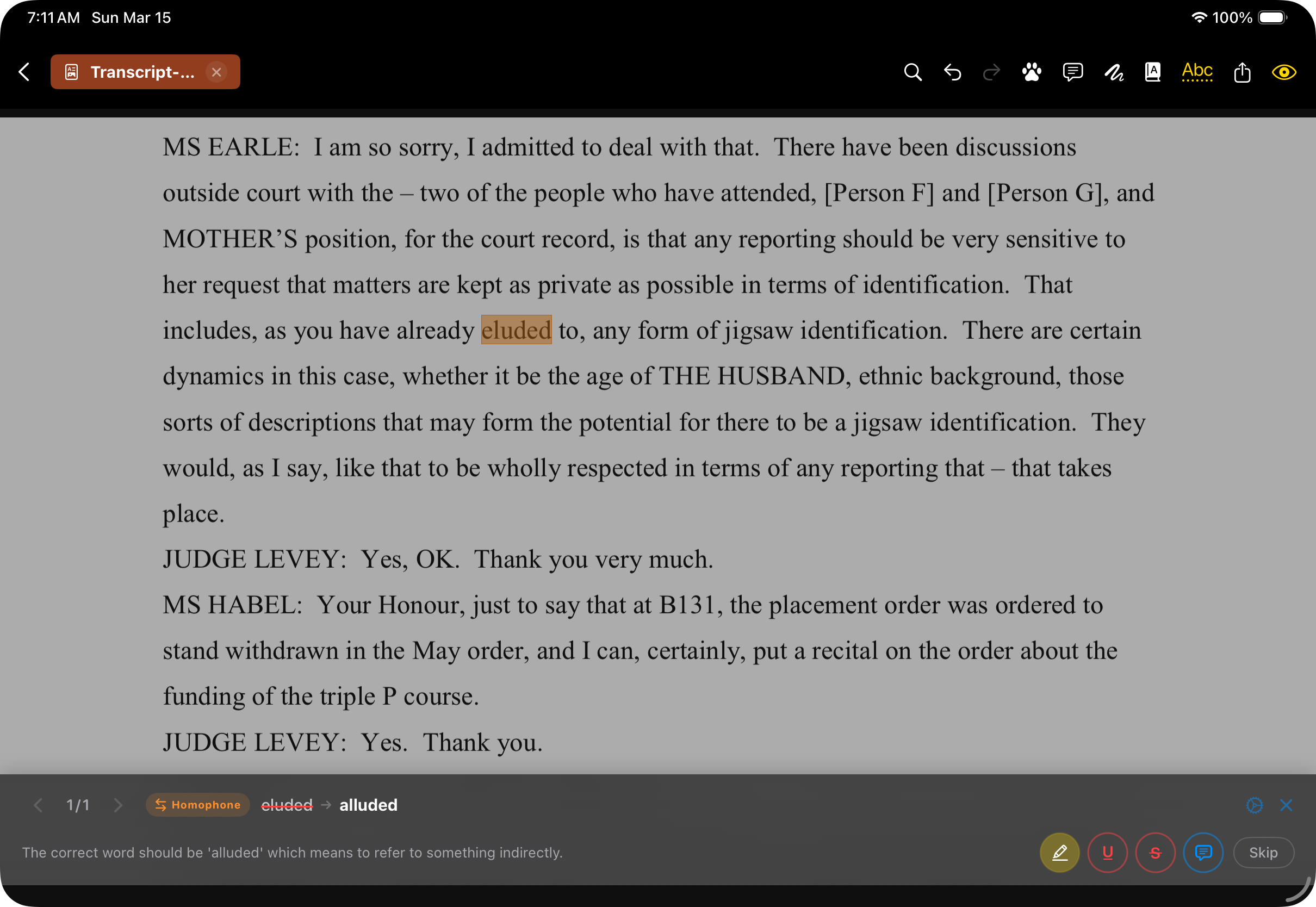
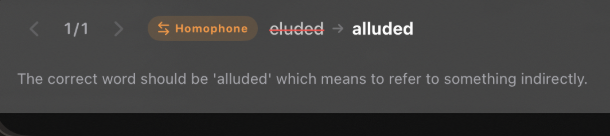
AI assists. You decide.
On-device AI using Apple’s Foundation Models flags spelling, grammar, and consistency issues for your review. This isn’t autocorrect. The AI highlights what it found; you decide what to stamp. Bring your own API key for cloud models when you need deeper analysis. Your documents stay private by default.
Look it up without leaving the page.
Select any text, tap Research. A grid of buttons takes your selection straight to Google, Wikipedia, Merriam-Webster, Perplexity AI — or any reference site you add. No switching apps, no copying and pasting, no losing your place. Select, tap, answer. All without leaving the page.
Research panel screenshot
Everything else.
Screenshot coming
Highlights & text markup
Highlights, underlines, and strikethroughs with customisable colours.
Screenshot coming
AI Proofreading
On-device AI catches what your eyes miss. Spelling, grammar, inconsistencies. Bring your own API key. You review. You decide.
Screenshot coming
Text annotations (typewriter)
Longer notes, instructions, or comments placed directly on the page. Fully editable — tap to change font, size, colour, or delete.
Screenshot coming
Sticky notes
A small icon on the page that expands to reveal your note. Customisable icon colour. Ideal for longer comments that shouldn’t clutter the view.
Screenshot coming
Tap to customise
Tap any stamp, text annotation, or sticky note. Edit the text, change colour, size, font, styling — or delete it entirely.
Screenshot coming
Toolbar presets
Pin favourite stamps, pens, markers, and text styles to the toolbar. Resize the toolbar sections for Split View or Stage Manager.
Screenshot coming
Freehand drawing
Pen, marker, eraser, and arrows. Move or resize strokes after drawing. Works with Apple Pencil or finger.
Screenshot coming
Research panel
Look up any selected text in Google, Wikipedia, Merriam-Webster — or any reference site you add. Your workflow, your sources.
Screenshot coming
Search everything
Find document text and your own annotations: sticky notes, text boxes, and stamp labels.
Screenshot coming
Multi-tab documents
Several PDFs open simultaneously, each with its own undo history.
Screenshot coming
Export modes
Editable annotations or flattened into the PDF. Export annotated pages only, or a plain text annotation summary. Share however you need.