AI proofreading. Your call.
On-device for privacy, cloud for depth. You review every suggestion either way.
How it works
Spelling and grammar checks, line by line.
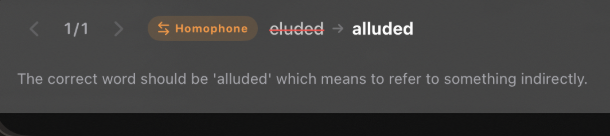
You can watch it work. The AI scans each page of your PDF line by line — spelling, grammar, homophones, inconsistencies. When something comes up, it shows you.
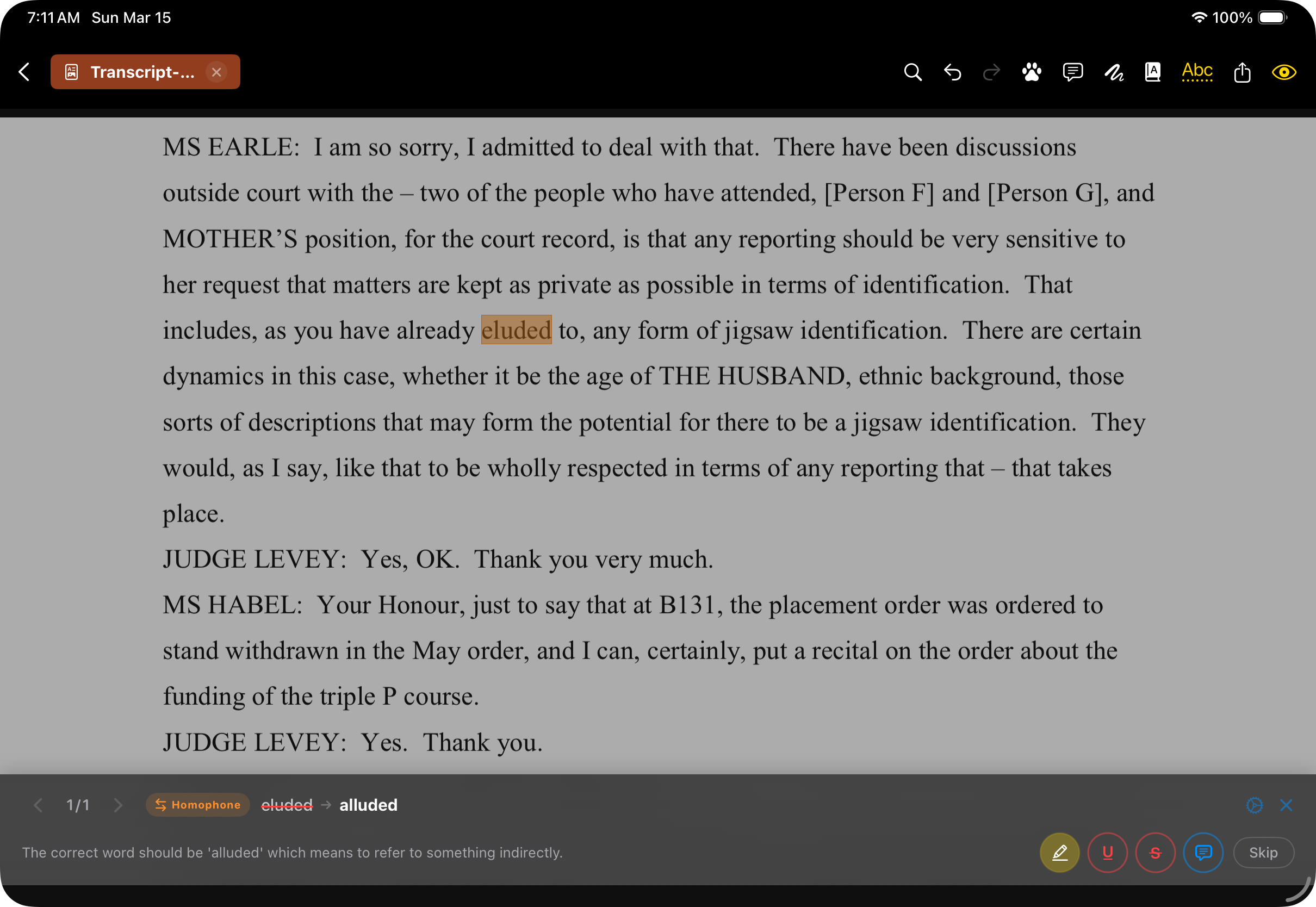
Two ways to run it.
Choose what suits the document.
On your iPad
On compatible hardware, the AI runs entirely on-device using Apple’s Foundation Models. No internet required.
In the cloud
Bring your own API key and connect to cloud models for deeper analysis. You choose when to enable it, which model, and you control the data.
Or not at all
Stampede works perfectly well without AI — and there’s always the built-in spell check. The AI is there if you want it.
What the AI does well
Spelling errors and typos, including context-sensitive ones
Grammar: subject-verb agreement, tense, commas
Formatting inconsistencies and spacing anomalies
Names with different spellings, inconsistent numbers
Best as a safety net for the errors that slip past tired eyes.
Limitations
Won’t catch every error. No AI will.
Doesn’t understand house style guides beyond common conventions.
May flag intentional stylistic choices as errors.
Limited on highly technical or domain-specific terminology.
That’s why you review every suggestion.
Privacy
On-device means on-device.
When you use on-device AI, the text stays on your iPad. Cloud models are a separate choice — you enable them per document.
“AI proofreading” sounds like a gimmick.
Here’s what it is, plainly: spell-check and grammar-check that’s significantly smarter than word processors. Pattern recognition applied to text — good enough to be useful as a first-pass filter.
If you’ve ever finished proofreading a 300-page manuscript and then found a typo on page 4 that you swear wasn’t there before — that’s the problem this solves.
Use it or don’t. Stampede works perfectly well without it.